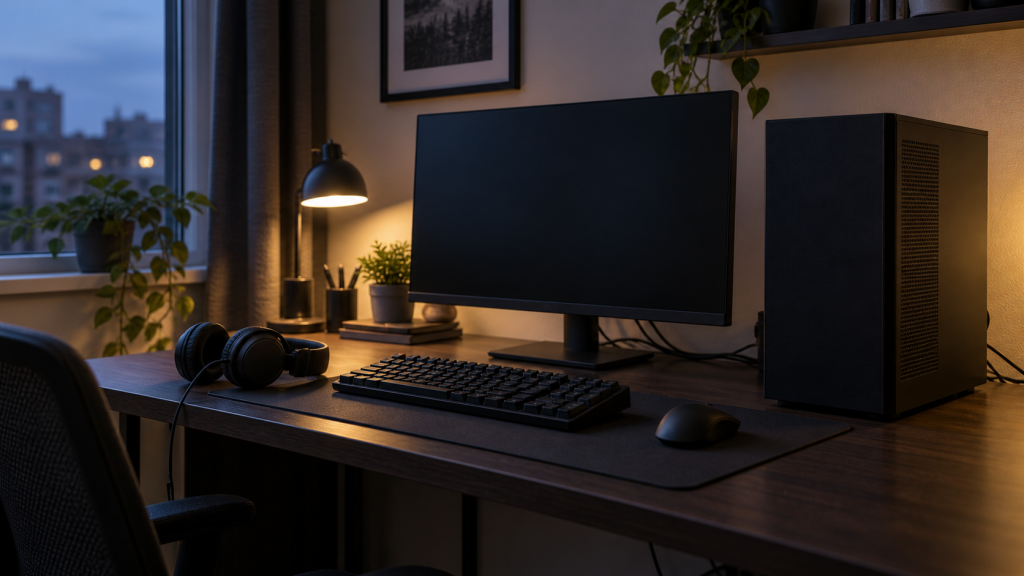
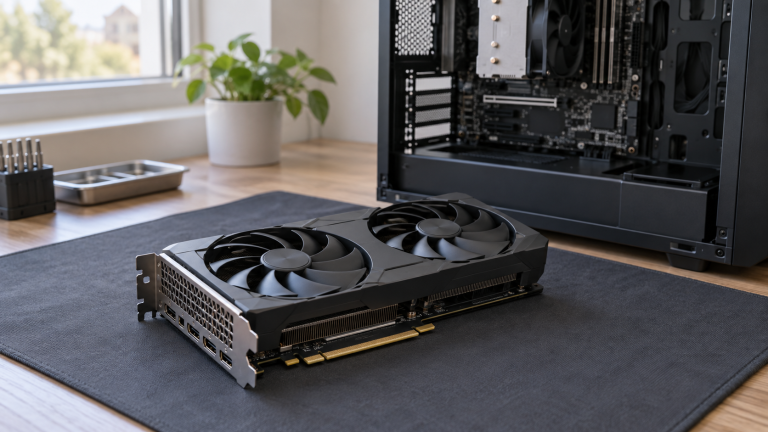
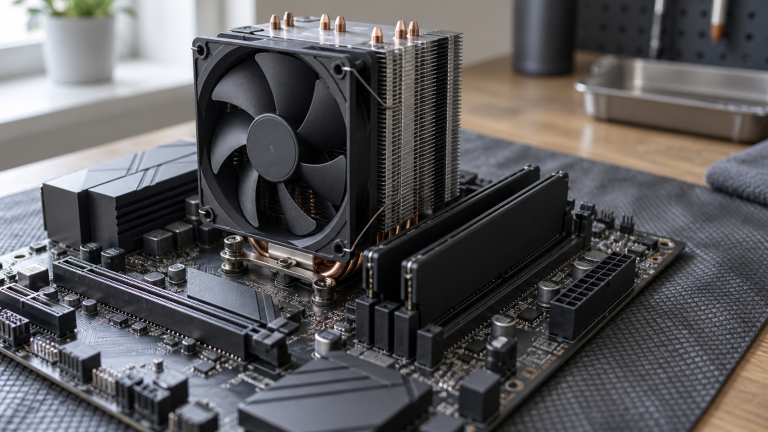
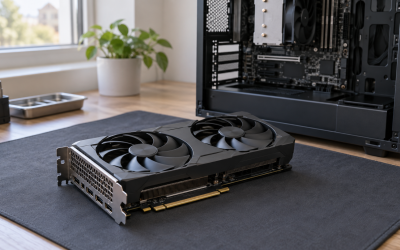
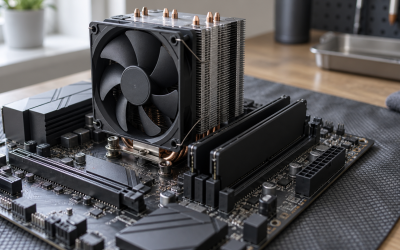
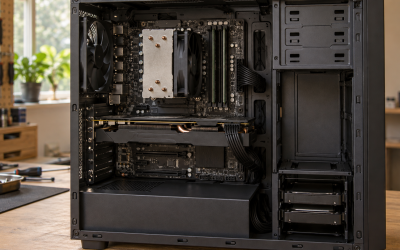
Custombuiltgamingpc.com tells you whether to buy a prebuilt gaming PC or build one yourself, and which specific model or parts list fits your budget and the games you actually play. Every recommendation here traces back to bench data: sustained clock speeds under load, case airflow, PSU headroom, and cost-per-frame math against current GPU pricing. If you’re weighing a $700 entry rig against a $2,000 high-end build, or trying to work out whether a retailer’s “gaming PC” is worth the markup over its parts, this is where you check before paying. Coverage splits into four areas: budget builds, full build guides for people assembling their own system, high-end builds for 4K and VR, and prebuilt PCs from major and boutique brands. Every build guide reflects a system we’ve assembled or benchmarked ourselves, not specs copied from a manufacturer’s page.
Start here
Budget Builds
Budget Builds covers gaming PCs where every dollar has to justify itself — usually a hard ceiling like $1,000, $1,500, or $2,000, with the GPU as the main constraint. We rank options by frames per dollar at 1080p first, since that’s the resolution most budget buyers target, then flag which builds leave room to upgrade later versus which ones box you into a dead-end platform. Start with the general budget roundup to understand the landscape, then move to the specific price cap closest to what you have to spend. Each guide names the exact bottleneck component so you know what to upgrade first when you outgrow the build.
Build Guides
Build Guides is where we cover the decision-making that happens before you spend anything — prebuilt versus custom, how much to actually budget, which specs matter for your games, and how to evaluate a system you’re already considering. This category exists because most buyers get the GPU choice right and everything around it wrong: warranty terms, power draw, upgrade headroom, and whether a prebuilt’s paint job is hiding a mediocre motherboard. If you’re new to buying a gaming PC, start with the specs guide, then the prebuilt-versus-custom cost comparison before you commit to either path.
High-End Builds
High-End Builds is a small, deliberately curated section — three guides, not thirty, because there are only so many configurations worth flagship pricing. These cover systems built for 4K gaming, liquid-cooled rigs where noise and sustained clocks matter as much as peak FPS, and the general high-end category for buyers who want the best available without a hard price cap. We test these on the same power and thermal bench as budget builds, so the FPS-per-dollar numbers are directly comparable even if the audience isn’t shopping on price alone.
Prebuilt PCs
Prebuilt PCs is the largest section on the site, covering ready-to-ship systems by brand platform (Intel, AMD), form factor, resolution target, and use case. We separate these from custom Build Guides because prebuilt buying comes with different tradeoffs: warranty coverage, proprietary parts that limit future upgrades, and markup that varies wildly between retailers. Use the specific-need guides — esports, 1440p, small form factor — if you already know your use case, or the general roundup if you’re still narrowing down what you need. We also keep a running list of brands to avoid based on support and build-quality complaints.
How we test
Marcus Reilly, our Systems Builder & Lead Reviewer, runs every build through a two-bench test lab with calibrated power meters and thermal probes, backed by nine years of assembling and repairing gaming PCs for clients before joining full-time review work. Direct measurements include sustained clock speeds after 20+ minutes of load, case intake and exhaust temperatures at multiple points, wall-socket power draw under gaming and stress-test conditions, and noise levels at idle and load. Frame rates come from repeatable in-game benchmark runs across a fixed set of titles at each resolution tier, not synthetic-only scores. Where we haven’t had hands-on time with a specific prebuilt configuration, we estimate performance from its exact listed components against our own benchmark database for those parts, and we say so explicitly in the review rather than presenting an estimate as a measured result.
How this site makes money
Custombuiltgamingpc.com earns commission through the Amazon Associates program and similar affiliate partnerships when you buy a product after clicking a link from this site. Commission rates and existing partnerships never influence which build or product ranks higher — recommendations are based on bench results and price-to-performance, and we link to the specific configuration we tested wherever possible. Full terms are in our affiliate disclosure.